In short
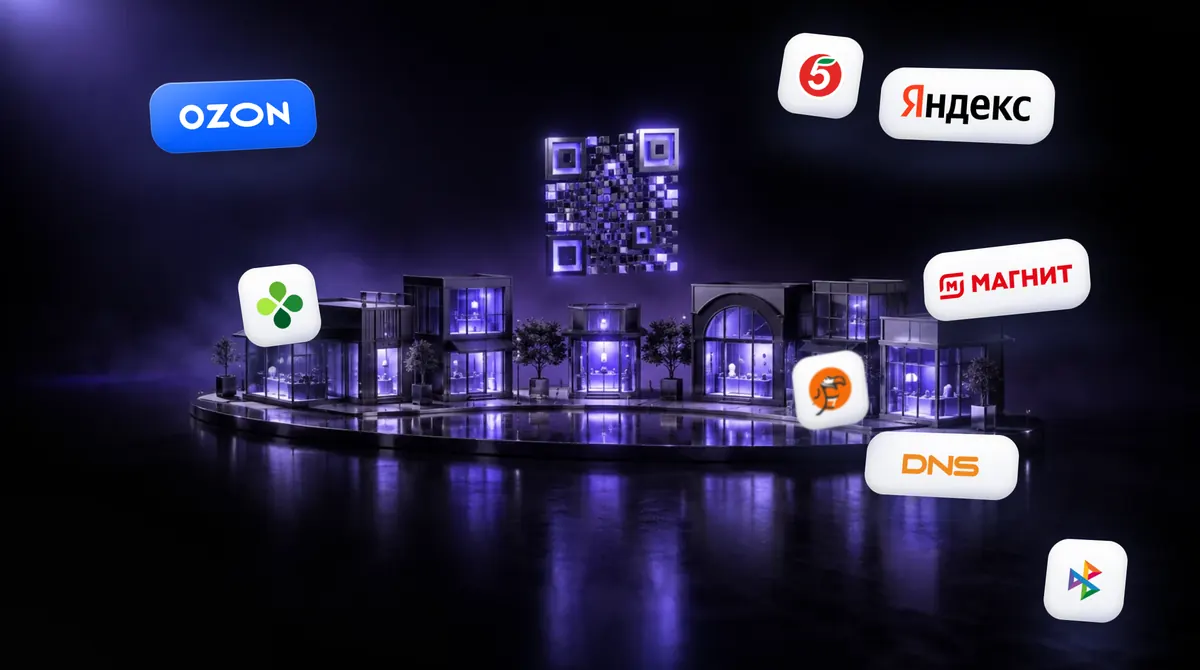
You can pay USDT by QR code in Russia anywhere that accepts SBP payments: Aura Wallet pays the QR code from your USDT balance and the shop receives rubles. Aura users already pay this way at Ozon, Yandex services, Magnit, Pyaterochka, Perekrestok, Dodo Pizza, DNS, Coffeemania and Miratorg.
The main rule: look for SBP
Aura Wallet pays QR codes of the Faster Payments System (SBP) straight from your USDT balance: the shop receives rubles, and you pay USDT at the rate you see before paying. So the list of places isn’t limited to any “partners” — any shop, café or website that takes SBP QR payments will do.
There’s no separate fee, one payment is 10 to 600,000 ₽, the rate is held for 2 minutes, and no card or identity check is needed.
Where Aura users already pay by QR
We’ve seen these places in real Aura users’ payments:
| What | Where |
|---|---|
| Marketplaces | Ozon |
| Food and grocery delivery | Yandex services — Eats, Lavka |
| Supermarkets | Magnit, Pyaterochka, Perekrestok |
| Food and coffee | Dodo Pizza, Coffeemania |
| Groceries and meat | Miratorg |
| Electronics | DNS |
Step by step for a marketplace: how to pay for Ozon with USDT by QR. Yandex Market also lists SBP among its online payment methods — see how to pay for Yandex Market with USDT.
Each shop chooses its own payment methods and may change them. If SBP QR payment isn’t offered this time, there’s nothing Aura can do — choose another method.
How to pay at the till
- Tell the cashier you’ll pay by SBP QR code. Many tills show a QR code on the terminal or customer screen.
- In Aura Wallet tap the round Pay button and point the camera at the code.
- Check the bill: the ruble amount, how many USDT will be debited and the rate.
- Tap Pay and show the cashier the “Payment completed” screen. A payment usually takes 5–15 seconds.
At some tills the SBP QR code is printed on a stand and carries no amount — Aura will say “This code has no set amount — enter how much to pay.” Enter the purchase amount and check it with the cashier before paying.
How to pay on a website or in an app
- At checkout choose SBP as the payment method.
- From a computer a QR code usually appears — scan it with the camera in Aura.
- From a phone a bank list often opens, and Aura isn’t in it. Then it’s easier to pay from a computer. If you have a screenshot of the QR code, upload it in the scanner with Photo; a link like
https://qr.nspk.ru/…goes in via Paste link or Services → SBP link.
Detailed guide with screenshots: How to pay an SBP QR code with USDT.
What you can’t pay by QR
- Merchant invoices that aren’t SBP QR codes — not supported yet.
- Paying by card in Russia — in Russia Aura works through QR codes, while the Visa card doesn’t go through with Russian merchants. It works in 179 countries for foreign services and trips instead.
- A payment when the scanner says “This type of payment isn’t supported” — the code was read, but we don’t process that kind of payment; pay another way.
How to top up your USDT balance
- From an exchange or another wallet — USDT on TRON (TRC-20), 2 USDT fee, 4 USDT minimum, no identity check.
- From another Aura user — free and instant, including via a payment request in a chat.
Why paying by QR beats selling USDT P2P and spending rubles from a card: Why cash out crypto to a card when you can pay by QR.
If it didn’t work
- “Not enough USDT to pay the bill”. Top up the wallet and return to the bill — it doesn’t disappear.
- “The quote is out of date”. More than 2 minutes passed: confirm the new price.
- “Amount outside payment limits”. A payment must be 10 to 600,000 ₽.
- “This merchant can’t be paid right now”. Pay another way.
- The payment failed. No money is debited, and anything reserved returns to your balance automatically. All errors: A QR payment did not go through.
Check the merchant name and amount in the bill before paying: a completed payment can’t be cancelled; ask the shop for any refund.