In short
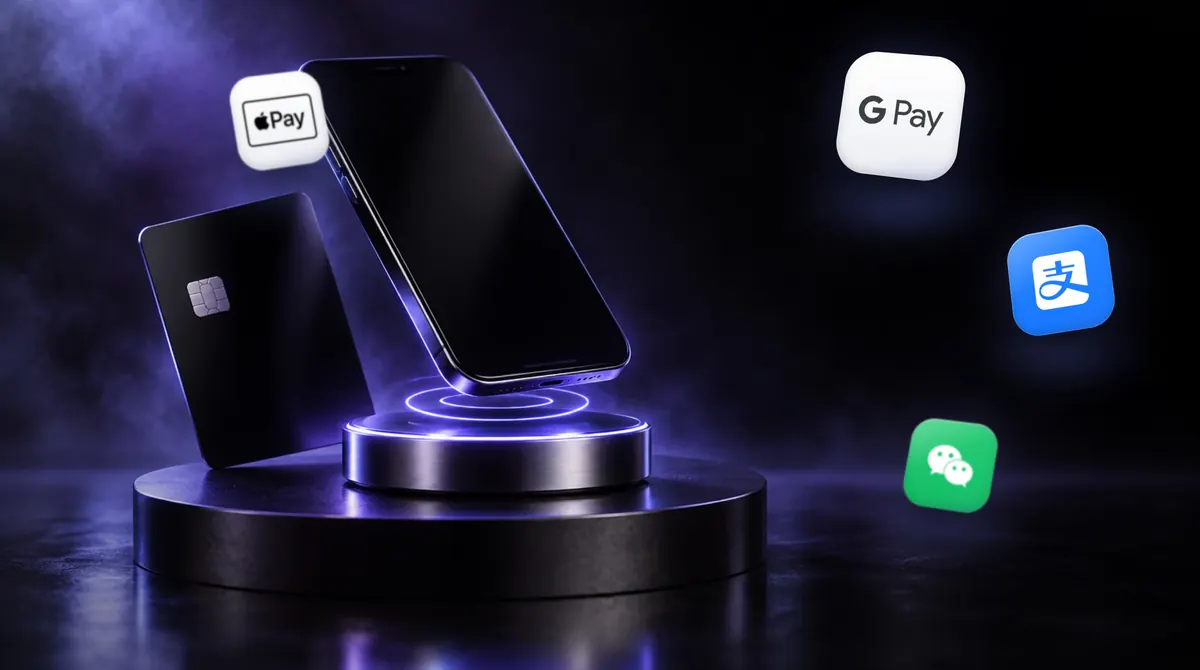
Aura's virtual US-dollar Visa can be added to Apple Pay, Google Pay, Alipay and WeChat Pay, so you can spend USDT by phone in shops and restaurants abroad and online. Issue it in Telegram with no identity check for 20 USDT once, top it up from your USDT balance with a 2% fee, then add it to your wallet app with your real name and home address, from the country you actually live in.
In short
- Issue the card in @AuraWalletTG_bot: Cards → Virtual → Get Card, 20 USDT once, no documents, usually a few minutes.
- Top up the card from your USDT balance: 2% fee, $1 on the card for every 1 USDT.
- Add it to your phone wallet: Apple Pay, Google Pay, Alipay or WeChat Pay.
- Confirm with the 3DS code from the Aura app or the bot chat, then tap to pay.
Open the bot chat and tap Start first: confirmation codes arrive there, and the bot can’t message you first.
Where people already pay by phone
Aura users pay by phone via Apple Pay and Google Pay in restaurants and shops in, for example, Bali, Thailand, Dubai, Turkey, Korea, China, Kazakhstan, Spain, South Africa, Argentina, Peru and Georgia. The card works in 179 countries; merchants in a short list of restricted countries can’t be paid. What counts is the merchant’s country, not yours: you can get and use the card wherever you live.
The same card pays online too: hotels and flights, taxis, ChatGPT, Claude and the App Store.
What it costs: first purchase and after
Aura prices as of 4 November 2026.
| What | First purchase | Later purchases |
|---|---|---|
| Issuing the virtual card | 20 USDT | — |
| Monthly card fee | none | none |
| Card top-up | amount + 2%, minimum 10 USDT | amount + 2% |
| USDT TRC-20 deposit from an exchange | 2 USDT per deposit, 4 USDT minimum | 2 USDT per deposit |
| Purchases, including via Apple Pay and Google Pay | Aura charges no fee | same |
If a purchase isn’t in dollars, the bank converts it at its own rate; the bank and the card network may charge their own conversion fee.
Step 1. Fund the card
In Aura tap Deposit → By wallet address and send USDT on TRON (TRC-20) from an exchange or wallet: 2 USDT fee, 4 USDT minimum, no identity check.
Then Cards → Virtual → Get Card → Pay 20 USDT. When the bot sends “Your Aura card is ready”, tap Add Balance on the card screen. The money is usually on the card within seconds. The card details — number, expiry date and CVC — are in Cards → Card details and stay visible for 60 seconds.
Step 2. Apple Pay on iPhone
- Use your real details. Your name in Latin letters as on your ID, and your real home address as the billing address. The Aura app shows no address of its own for the card, so the address you actually live at is the one to use. Don’t use a VPN or a borrowed address: it makes declines more likely and can get the account restricted.
- Add the card: open Wallet, tap +, choose Debit or Credit Card and enter the number, expiry date and CVC from Aura. The details stay visible for 60 seconds; tap again if you ran out of time.
- Confirm with the code: it appears in the Aura app in the “3DS code” window and arrives in the chat with the bot. It’s valid for 2 minutes.
If Apple declines the card, check the details and pay online or via Google Pay instead. Screenshots: Apple Pay guide.
Google Pay on Android
- In Aura open Cards → Card details.
- In Google Wallet tap Add to Wallet → Payment card and enter the details manually.
- If the bank asks for a code, take it from the “3DS code” window in Aura or the bot chat.
Then pay by phone wherever contactless payment is accepted. More: Google Pay guide.
Alipay and WeChat Pay
The Aura card can be linked to Alipay and WeChat Pay to pay by phone abroad. In the Alipay or WeChat app add it like any Visa card — the number, expiry date and CVC from Cards → Card details. If a code is requested, it appears in Aura in the “3DS code” window. Step by step: Linking the card to Alipay and to WeChat Pay.
With a new service, start with a small purchase: the bank doesn’t guarantee every merchant will accept the card.
If it didn’t work
| What you see | Why | What to do |
|---|---|---|
| The card won’t add to Apple Wallet | incomplete or made-up billing details, or a VPN | enter your real name and full home address, turn the VPN off, re-check the number, expiry date and CVC |
| No code arrived | the bot can’t message you first | open the bot, tap Start, turn on notifications; the code also shows in the “3DS code” window |
| Apple Pay won’t take the card | Apple’s own checks; the service may not be offered in your country, and a card can’t change that | pay online with the card details, or via Google Pay on Android |
| A shop payment failed | not enough money or margin for conversion | top up; the bot sends “Payment didn’t go through” with the reason |
| “Do Not Honor” | a generic decline with no reason | Do Not Honor error |
| “Card does not support this type of purchase” | the merchant won’t take this card for this purchase | what the error means |
| A hotel or rental blocked more than the price | a temporary hold | the excess is released after settlement, usually within 30 days |
Declined payments are not charged. More causes: Transaction declined. Never share your CVC or confirmation codes: Aura staff never ask for them.